Personal Settings
After successfully logging in to xSpace, you can perform basic personal settings.
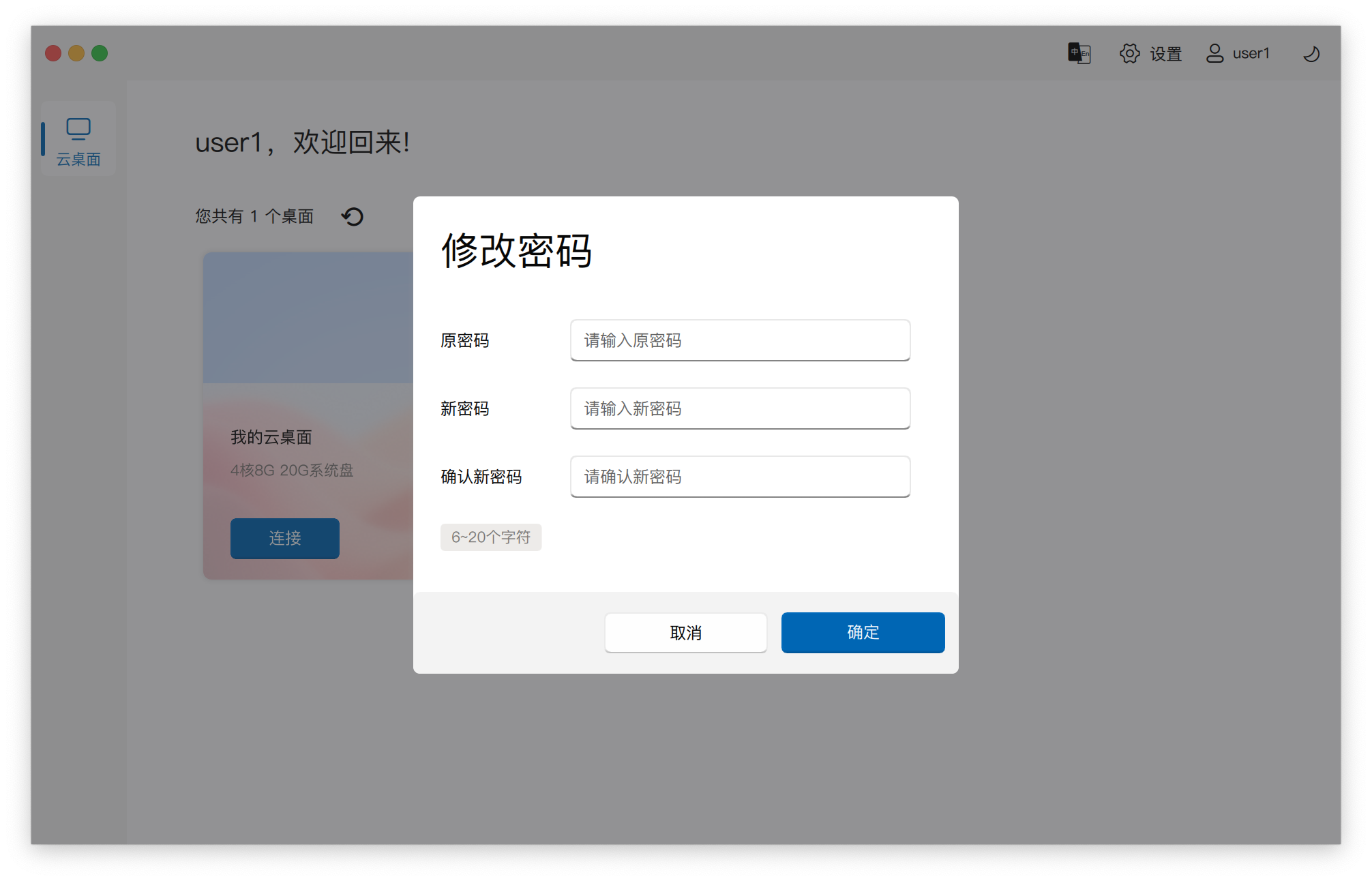
1. Change Password
To ensure account security, you can regularly change your login password.
2. Adjust Theme Style
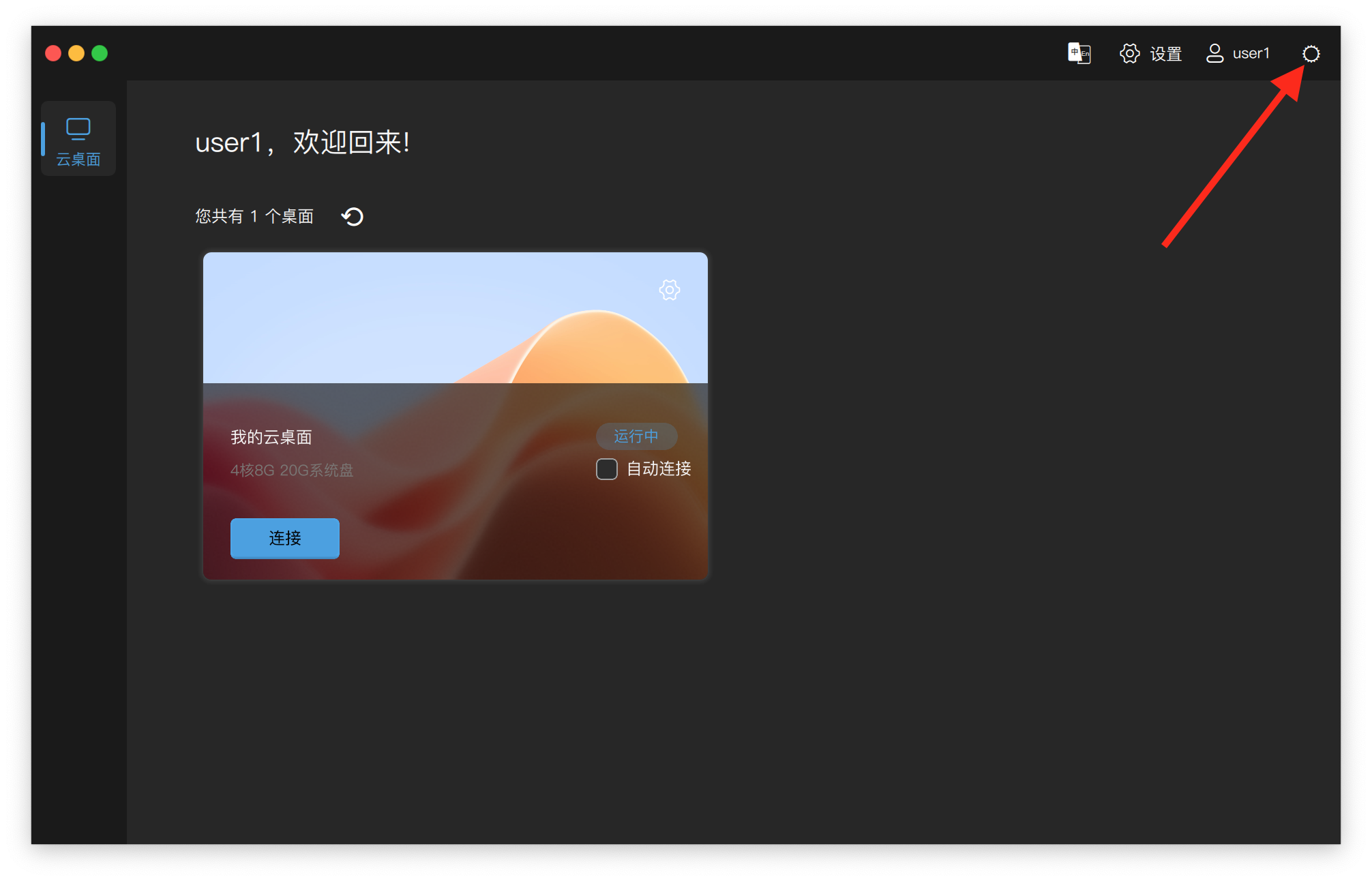
Click the button in the upper right corner of the interface to adjust the theme color style of the interface according to personal preferences, such as switching between dark or light backgrounds.