Client Installation
The xSpace client offers various forms, including pure software clients (PC, mobile) and thin client hardware devices, capable of flexibly adapting to different office and mobile scenarios.
For the specific classification and logical architecture of cloud terminals, please refer to Product Overview -> Technical Architecture -> Client.
1. Terminal Support Matrix
1.1 PC Clients (Software Form)
Supports installing clients on existing PCs or laptops, covering mainstream operating systems and architectures:
- Windows Series:
- Supports Windows 7/10/11 and Windows Server 2019/2022 (x86_64 processor).
- Installation Instructions
- Linux Series:
- Supports Ubuntu (>= 20.04), Debian (>= 10.0).
- Covers x64, arm64 CPU architectures.
- Installation Instructions
- MacOS Series:
- Supports Apple Intel and ARM processors (macOS Sierra and above).
- Installation Instructions
- Domestic Innovated Series:
- Deeply adapted to UnionTech OS (UOS), Kylin (Kylin), and China Science and Technology Fangde desktop systems.
- Covers mainstream domestic innovated CPU architectures, including x64, arm64, loongarch64.
- Installation Instructions
- Consistent with non-domestic innovated Linux client operation methods
1.2 Mobile Devices
Supports Android phones and tablets. Distributed and installed in standard .apk installation package format.
1.3 Thin Client Hardware Devices
- Self-developed/Certified Terminals: Pre-installed with xSpace client. Specific specifications refer to the hardware product quotation list.
- Third-party X86 Devices: Supports adapting existing X86 architecture terminals for modification.
2. Obtain Installation Package
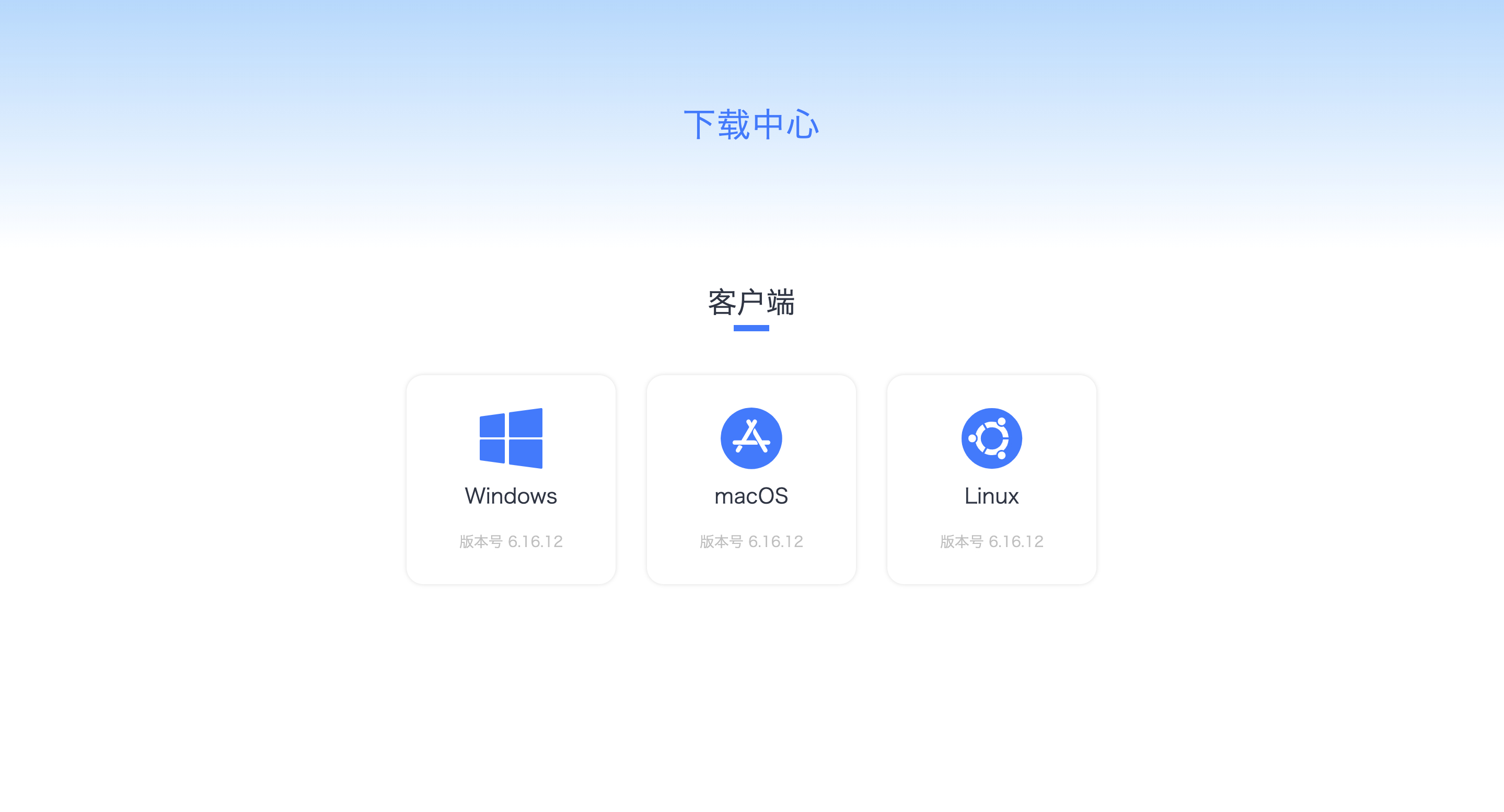
End users can obtain the corresponding installation package through the Download Center in the upper right corner of the system console or tenant console login interface.
Access Path: https://x.x.x.x/pages/download/
(Note: x.x.x.x is the xSpace management component address)
On the download page, please select the correct version according to the type and architecture of your local operating system, then click download and install.
3. Installation Guide and Flashing Logic
3.1 Software Clients and Mobile Devices
The installation process is similar to general application software:
- Download the installation package for the corresponding platform.
- Complete the installation according to system pop-up prompts.
- Restart the operating system as needed to ensure drivers take effect.
3.2 Thin Client Installation and Flashing
Thin client deployment involves a series of comprehensive "flashing" operations such as operating system customization, dependency injection, and client pre-installation:
- Factory Pre-installation: Official certified terminals usually complete flashing on the production line, allowing users to power on and use them immediately.
- Third-party X86 Device Flashing: For users who wish to utilize existing X86 hardware, we provide a dedicated flashing solution. This process includes OS Installation -> Dependency Package Installation -> Client Packaging. For detailed flashing tutorials, please refer to the Thin Client section. ```