Role and Permission Management
The xSpace management component has 5 built-in user roles by default: System Administrator, O&M Administrator, Delegated O&M Administrator, Tenant Administrator, and End User.
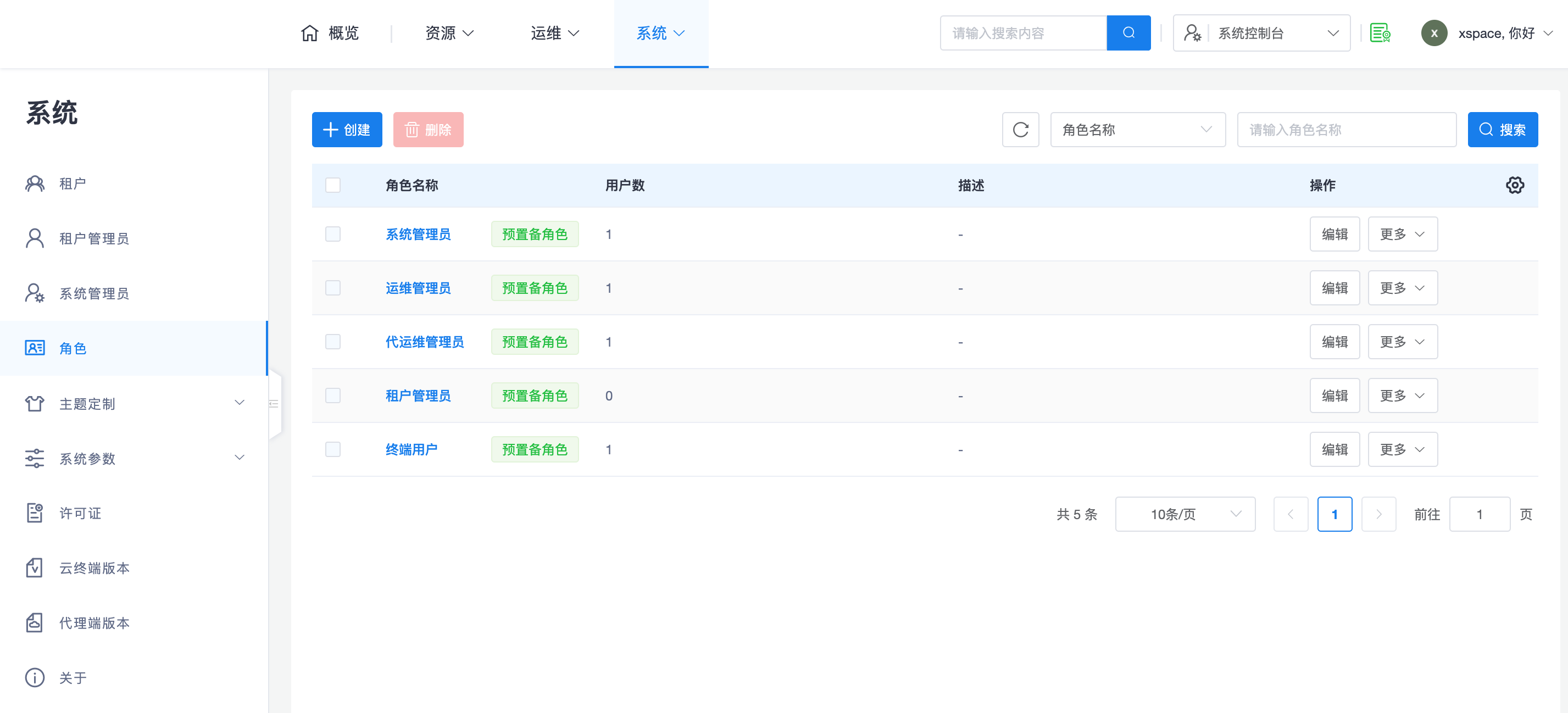
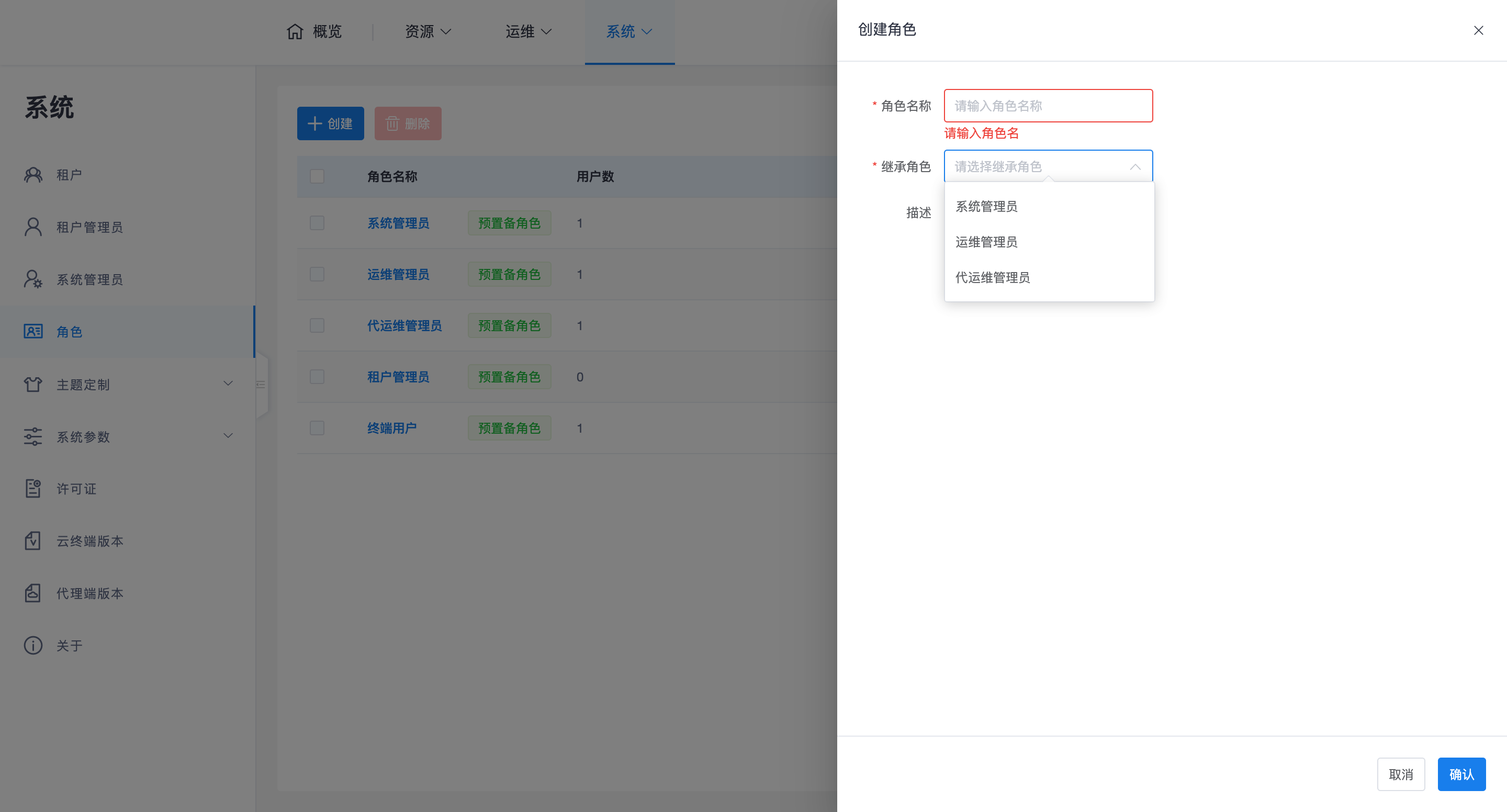
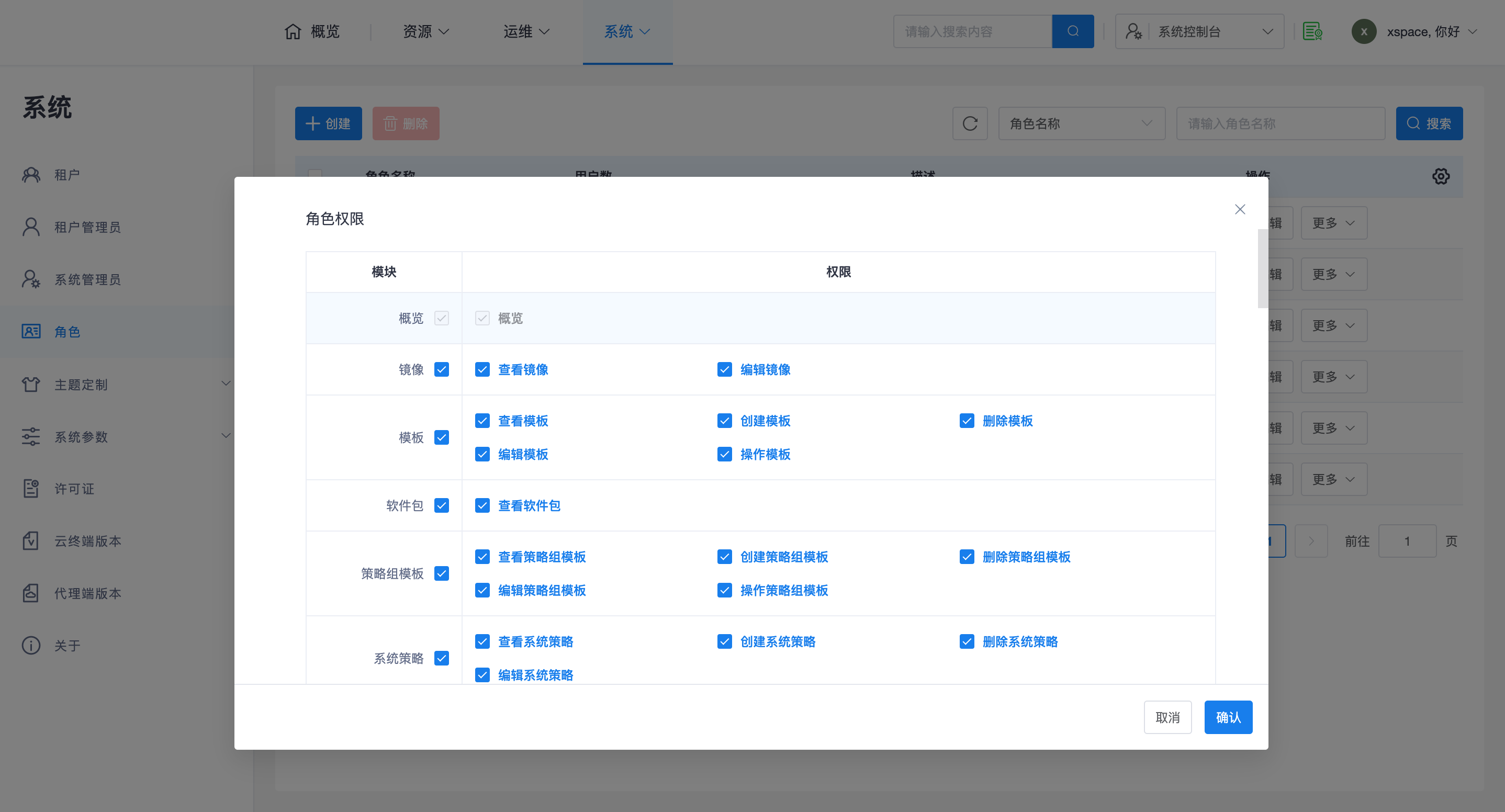
System administrators can create more custom user roles and further refine their permissions based on actual scenario requirements.
1. Namespace and Account Isolation
The system design adopts a "2 + N" independent namespace model, which is key to understanding the account system:
- System Administrator Namespace: Contains the built-in "System Administrator", "O&M Administrator", and "Delegated O&M Administrator".
- Tenant Administrator Namespace: Contains "Tenant Master Administrator" and "Tenant Sub-Administrator".
- End User Namespace (N Instances): Each tenant has a completely independent end-user namespace.
Important Note:
- Duplicate Name Handling: Usernames can be duplicated across different namespaces (e.g., different tenants can have the same end-user username), but must be unique within the same namespace.
- Login Entry Point: Since system administrators and tenant administrators may have duplicate names, login entry points must be strictly differentiated:
- System Console:
https://master_management_node_IP/admin- Tenant Console:
https://master_management_node_IP/tenantorhttps://master_management_node_IP:44331- Login Identifier: When enterprise edition end-users log in, they must provide both the tenant name and username.
2. Built-in Role Responsibilities
The system provides 5 built-in roles, whose permissions are for viewing only and cannot be edited:
- System Administrator: Responsible for core tasks such as system-level deployment, version management, and system parameter settings.
- O&M Administrator: Responsible for daily system-level management and maintenance.
- Delegated O&M Administrator: A specially designed role. Although belonging to the "System Administrator Namespace", its responsibility is to assist or replace tenant administrators in managing tenant internal affairs.
- Permission Boundaries: System administrators cannot directly manage resources such as desktops, users, and policy groups within a tenant by default.
- Enablement Method: Requires assigning the "Delegated O&M Administrator" role and associating specific delegated O&M tenants before being able to operate within the tenant.
- Tenant Administrator: Responsible for resource management within their respective tenant.
- End User: Belongs to each tenant and only has permissions to use desktop resources.
3. Advanced Configuration Suggestions
- Custom Roles: In general, it is recommended to prioritize using built-in roles. Unless there are extremely specific granular permission requirements, it is not recommended to create custom roles, to avoid O&M confusion caused by improper permission scope settings.
- Three-Administrator Management (Compliance): The system supports enabling "Three-Administrator Management" mode (System Administrator, Security Confidentiality Officer, Security Auditor).
- Irreversibility: Once Three-Administrator Management is enabled, the system will not allow reverting to normal mode.
- Enablement Process: If enablement is required, please contact vendor technical personnel for assistance. ```